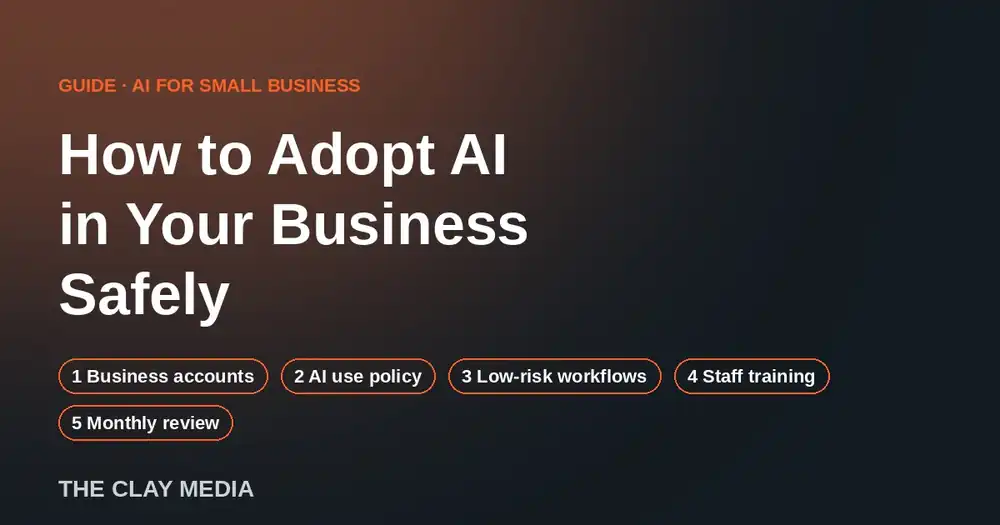
Guide · AI for small business
Quick answer: to adopt AI safely in a small business, do five things in order: move your team onto business AI accounts you control, write a one-page AI use policy, start with two or three low-risk workflows, train staff on your own processes, and review usage every month. Most small businesses already use AI. Very few have it set up in a way that protects the business.
Your team is already using AI. That’s the risk.
AI is not a future decision for most owners. In a 2026 Goldman Sachs survey of 1,256 small business owners, 76% said they already use AI, but only 14% had fully integrated it into core operations. 73% said they’d benefit from more training to implement it well.
That gap is where problems start. When there’s no plan, employees use personal accounts, paste in customer details, pricing, and contracts, and nobody knows which tools are in use or what they cost. The owner carries the risk without seeing it.
The fix is not to ban AI. Bans push it underground. The fix is to adopt it on purpose.
Step 1: Move everyone onto business accounts
Personal AI accounts belong to the employee, not the company. When that employee leaves, so does the history, and you have no control over settings.
- Pick one or two approved AI tools for the whole team.
- Use business or team plans that the company owns and pays for.
- Turn on the settings that keep your data out of model training, and confirm them in writing with the vendor.
- Turn on multi-factor authentication for every account.
Step 2: Write a one-page AI use policy
Your policy should fit on one page and answer three questions in plain English:
What can go in?
Public information, internal drafts, general questions.
What never goes in?
Customer personal data, passwords, financial account details, confidential drawings or contracts, anything covered by an NDA, unless the tool is specifically approved for it.
Who checks the output?
A person reviews anything that goes to a customer, gets published, or involves money, legal wording, or safety.
Have every employee read and sign it. Update it when you add tools.
Step 3: Start with 2 to 3 low-risk workflows
Don’t try to “AI everything.” Pick repetitive tasks where a mistake is easy to catch and the time savings are obvious:
- First drafts of quotes, proposals, and follow-up emails
- Meeting notes and summaries
- Turning job notes into reports or documentation
- Answering common customer questions, with a person approving replies
Measure the hours each one saves. That number is what tells you where to go next. For a deeper look at building these systems, see our guide on deploying AI systems to cut operational overhead.
Step 4: Train your team on your own business
Generic AI courses teach people what AI is. They don’t teach your estimator how to draft a quote your way. The training that works is built from your own SOPs, documents, and real tasks.
- Start with the owner and managers, so leadership understands the tools and the rules.
- Train staff on the specific workflows from Step 3.
- Show examples of good and bad outputs from your own work.
- Keep a record of who was trained and when.
Step 5: Review usage every month
AI tools change constantly. A setup that’s right today can drift in three months. Once a month:
- Check which tools are in use and what you’re paying for them.
- Remove accounts for people who’ve left.
- Review what each workflow saved.
- Pick the next task to automate.
Skipping this step is how businesses end up with duplicate subscriptions and tools nobody owns. We cover that problem in How to Stop AI Sprawl from Quietly Bleeding Your Business Margins.
Common mistakes to avoid
What goes wrong
- Banning AI outright. People use it anyway, just where you can’t see it.
- Buying tools before setting rules.
- Letting AI send things to customers unreviewed.
- Treating training as a one-time event.
What works
- Approve specific tools and say what goes in them.
- Policy first, tools second.
- Keep a person in the loop for anything external.
- Tools change, so the training has to keep up.
Do it yourself, or have it managed
Any owner can follow these five steps. The hard part is time: picking the tools, writing the policy, building the workflows, training the team, and keeping it current while you run the business.
That’s what our Managed AI Services cover. We set up the tools and rules, install the first workflows, train your team on your own processes, and manage it month to month.
Frequently asked questions
Is it safe to use ChatGPT or Claude for business?
It can be, if your team uses business accounts with data protections turned on and follows a clear policy about what information goes in. The risk usually comes from personal accounts and no rules, not from the tools themselves.
Should I ban AI in my company?
Usually no. Bans tend to drive use onto personal devices where you have no visibility. Approving specific tools and setting rules gives you more control.
What should an AI use policy include?
Approved tools, what data can and can’t be entered, who reviews AI output before it goes out, and who to ask when something is unclear. One page is enough for most small businesses.
How long does it take to adopt AI properly?
Tools, policy, and the first workflows can be set up in a few weeks. Getting the most from AI is ongoing, which is why a monthly review matters.
Not sure where to start?
Send us your site and we will design a new homepage for it, free, and email it to you. If you like it, we talk about putting AI to work in your business. If not, you keep the ideas.
No contract, no card. Prefer to talk? Call 949-444-2001.
The Clay Media has built and managed business websites since 2009. What to check before you call us.