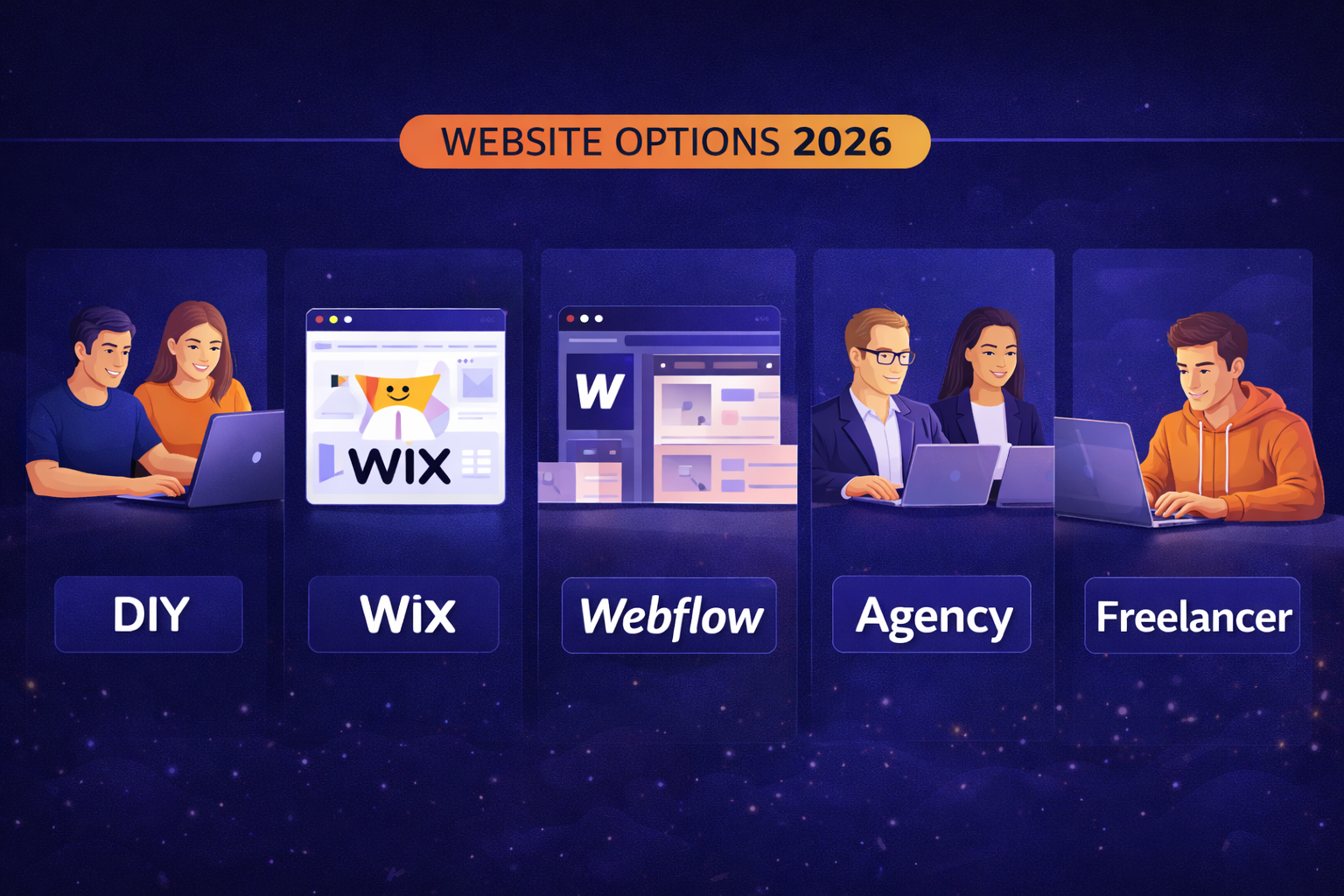
TL;DR — Website Options Compared in 2026
- DIY (Wix, Squarespace): Cheapest but limited; good for hobbies, bad for serious business
- Webflow: Better design control but steep learning curve
- Freelancer: Affordable but variable quality and reliability
- Agency: Most expensive but best results and support
- Best choice depends on: Budget, time, technical skill, business importance
- If your website is a revenue driver, invest in professional help
👉 Related: Website Design for 2026
Table of Contents
- Quick Comparison Matrix
- DIY Website Builders
- Webflow
- Hiring a Freelancer
- Hiring an Agency
- In-House Web Team
- Decision Framework
- Hidden Costs to Consider
- Making the Right Choice
- FAQ
Quick Comparison Matrix
| Option | Cost | Quality | Time | Control | Support |
|---|---|---|---|---|---|
| DIY (Wix/Squarespace) | $150-$500/year | Low-Medium | Your time | Full | Limited |
| Webflow | $200-$400/year | Medium-High | Your time | Full | Community |
| Freelancer | $1,000-$5,000 | Variable | 2-6 weeks | Limited | Variable |
| Agency | $5,000-$50,000+ | High | 6-12 weeks | Collaborative | Full |
| In-House | $60,000+/year | High | Ongoing | Full | Internal |
Best For:
| Option | Best For |
|---|---|
| DIY builders | Side projects, simple sites, tight budgets |
| Webflow | Design-focused businesses, hands-on owners |
| Freelancer | Small businesses, specific projects |
| Agency | Growing businesses, complex needs |
| In-House | Large companies, constant updates |
👉 Related: Website Management Cost 2026
DIY Website Builders
Platforms like Wix, Squarespace, and GoDaddy let you build a website yourself with drag-and-drop interfaces.
Popular DIY Platforms
| Platform | Best For | Monthly Cost |
|---|---|---|
| Wix | Beginners | $16-$45 |
| Squarespace | Design templates | $16-$49 |
| GoDaddy | Quick setup | $10-$25 |
| WordPress.com | Blogging | $15-$45 |
DIY Pros
Building your own site does have some advantages.
| Advantage | Details |
|---|---|
| Low cost | $150-$500/year |
| Immediate start | Build today |
| Full control | Change anything |
| No dependencies | Don’t need anyone |
DIY Cons
However, significant drawbacks often outweigh the savings.
| Disadvantage | Reality |
|---|---|
| Time investment | 20-100+ hours to build |
| Limited functionality | Templates restrict options |
| Looks templated | Sites look similar |
| SEO limitations | Harder to optimize |
| Platform lock-in | Hard to migrate |
| No expert guidance | You don’t know what you don’t know |
DIY Reality Check
Most business owners discover these truths the hard way.
| Expectation | Reality |
|---|---|
| “I’ll build it in a weekend” | Usually takes weeks/months |
| “It’s basically free” | Time has value |
| “It’ll look professional” | Usually looks DIY |
| “I can do SEO later” | Platform limits SEO |
| “I’ll figure it out” | Frustration common |
Verdict: DIY works for simple sites where professional appearance isn’t critical. For business websites that drive revenue, the savings rarely justify the limitations.
👉 Related: WordPress vs Squarespace
Webflow
“This platform is a more powerful website builder that offers greater design flexibility but requires more skill.
Webflow Overview
Here’s what you need to know about this platform.
| Factor | Details |
|---|---|
| Cost | $200-$400/year (site plans) |
| Learning curve | Steep |
| Design flexibility | High |
| SEO capabilities | Good |
| Hosting | Included |
Webflow Pros
The platform offers several compelling benefits.
| Advantage | Details |
|---|---|
| Design freedom | Near-custom results |
| Clean code output | Good for SEO |
| No plugin bloat | Streamlined |
| CMS functionality | Content management |
| Animations | Advanced interactions |
Webflow Cons
Still, some limitations may affect your decision.
| Disadvantage | Reality |
|---|---|
| Learning curve | Weeks to months to learn |
| Not intuitive | Requires web design knowledge |
| Limited integrations | Fewer than WordPress |
| Platform dependence | Webflow-specific |
| Cost adds up | Per-project pricing |
Who Webflow Is For
| Good Fit | Bad Fit |
|---|---|
| Design-focused owners | Non-technical owners |
| Have time to learn | Need quick results |
| Simple sites | Complex functionality |
| Portfolio sites | E-commerce (large) |
Verdict: Webflow is powerful but requires significant time investment. Best for design-conscious owners willing to learn or those who will hire a Webflow developer.
Hiring a Freelancer
Freelancers offer professional help at lower costs than agencies, but quality and reliability vary widely.
Freelancer Overview
| Factor | Range |
|---|---|
| Cost | $1,000-$10,000 |
| Timeline | 2-8 weeks |
| Quality | Highly variable |
| Support | Limited/none |
Where to Find Freelancers
| Platform | Type |
|---|---|
| Upwork | General marketplace |
| Fiverr | Budget options |
| Toptal | Vetted professionals |
| Direct outreach | |
| Referrals | Most reliable |
Freelancer Pros
Working with freelancers offers distinct advantages.
| Advantage | Details |
|---|---|
| Lower cost | 30-60% less than agency |
| Direct communication | No middleman |
| Flexible | Often accommodating |
| Specialized | May have niche expertise |
Freelancer Cons
On the other hand, freelancers come with certain risks.
| Disadvantage | Reality |
|---|---|
| Variable quality | Hard to assess beforehand |
| Reliability risk | May disappear |
| Limited scope | Usually one skill set |
| No backup | If they’re sick/busy, you wait |
| No ongoing support | Project-based typically |
Freelancer Red Flags
Watch for these warning signs when vetting candidates.
| Red Flag | What It Indicates |
|---|---|
| No portfolio | Inexperienced |
| Rock-bottom prices | Quality concerns |
| No contract | Unprofessional |
| Vague timeline | Poor project management |
| Overpromises | Underdelivers |
Verdict: Freelancers can deliver great results at lower cost, but vetting is crucial. Best for specific projects with clear scope.
👉 Related: What to Know Before Hiring a Web Agency
Hiring an Agency
Agencies offer the highest level of service, expertise, and support — at a premium price.
Agency Overview
| Factor | Range |
|---|---|
| Cost | $5,000-$50,000+ |
| Timeline | 6-16 weeks |
| Quality | Generally high |
| Support | Comprehensive |
What Agencies Provide
| Service | Details |
|---|---|
| Strategy | Business goals, user research |
| Design | Custom, professional |
| Development | Technical expertise |
| SEO | Built-in optimization |
| Support | Ongoing maintenance |
| Team | Multiple specialists |
Agency Pros
| Advantage | Details |
|---|---|
| Professional quality | Team of specialists |
| Strategic approach | Business-focused |
| Reliability | Established business |
| Comprehensive | Design, dev, SEO, support |
| Ongoing support | Long-term partner |
| Accountability | Reputation at stake |
Agency Cons
| Disadvantage | Reality |
|---|---|
| Higher cost | Premium pricing |
| Longer timelines | More thorough process |
| Less control | Collaborative, not DIY |
| Overkill for simple sites | Not needed for basics |
When to Hire an Agency
| Situation | Agency Makes Sense |
|---|---|
| Website drives revenue | Yes |
| Need complex functionality | Yes |
| Want ongoing support | Yes |
| Professional appearance critical | Yes |
| Budget over $5,000 | Yes |
Verdict: Agencies deliver the best results for businesses where the website matters. The investment typically pays for itself through better performance.
👉 Related: Website Retainer Services 2026
In-House Web Team
Some larger businesses hire dedicated web staff for ongoing development and maintenance.
In-House Overview
Hiring internal staff requires significant investment upfront.
| Factor | Details |
|---|---|
| Cost | $60,000-$150,000+/year per person |
| Quality | Depends on hire |
| Control | Full |
| Availability | Dedicated |
In-House Pros
Several advantages come with having dedicated web staff.
| Advantage | Details |
|---|---|
| Full-time dedicated | Always available |
| Deep company knowledge | Understands business |
| Immediate response | No external coordination |
| Long-term continuity | Same person(s) |
In-House Cons
However, there are notable drawbacks to consider.
| Disadvantage | Reality |
|---|---|
| High cost | Full salary + benefits |
| Limited skills | One person rarely does everything |
| Turnover risk | Employee leaves = problem |
| Management overhead | Need to supervise |
| Overkill for most | Too much for typical needs |
When In-House Makes Sense
| Situation | In-House? |
|---|---|
| Website requires daily changes | Consider it |
| Custom application development | Maybe |
| Large e-commerce | Maybe |
| Standard business site | No |
Verdict: In-house teams make sense only for large businesses with constant web development needs. Most businesses are better served by agency + retainer.
Decision Framework
Use this framework to choose the right option for your situation.
Budget-Based Decision
| Budget | Best Option |
|---|---|
| $0-$500 | DIY (Wix, Squarespace) |
| $500-$3,000 | DIY or Freelancer |
| $3,000-$10,000 | Freelancer or Small Agency |
| $10,000-$50,000 | Agency |
| $50,000+ | Agency or In-House |
Needs-Based Decision
| Primary Need | Best Option |
|---|---|
| Just need something | DIY |
| Design matters | Webflow or Agency |
| Complex functionality | Agency |
| Ongoing support | Agency with retainer |
| Quick and cheap | Freelancer |
| Full control | In-House |
Business Stage Decision
| Stage | Best Option |
|---|---|
| Side hustle | DIY |
| Starting business | Freelancer or DIY |
| Established small business | Freelancer or Agency |
| Growing business | Agency |
| Enterprise | Agency or In-House |
👉 Related: Conversion Optimization 2026
Hidden Costs to Consider
The sticker price doesn’t tell the whole story.
DIY Hidden Costs
| Hidden Cost | Reality |
|---|---|
| Your time | Worth $50-$200+/hour |
| Learning curve | Weeks of frustration |
| Lost revenue | Poor site = lost business |
| Platform fees | Add up over years |
| Plugin/app costs | Extra features cost extra |
Freelancer Hidden Costs
| Hidden Cost | Reality |
|---|---|
| Revision rounds | May charge extra |
| Scope creep | “Just one more thing” |
| Finding replacement | If they disappear |
| Integration issues | May not handle |
| No ongoing support | Pay separately |
Agency Hidden Costs
| Hidden Cost | Reality |
|---|---|
| Minimal hidden costs | Most include everything |
| Scope changes | Clear process |
| Ongoing maintenance | Separate but transparent |
True Cost Formula:
Initial cost + Time invested + Opportunity cost + Ongoing fees + Risk = True cost
Making the Right Choice
Ask Yourself:
| Question | If Yes… |
|---|---|
| Is my website my primary revenue source? | Invest in professionals |
| Do I have 50+ hours to learn and build? | DIY possible |
| Do I need ongoing support? | Agency or freelancer retainer |
| Is professional appearance critical? | Agency |
| Is my budget under $2,000? | DIY or budget freelancer |
The ROI Perspective
| Investment | Return |
|---|---|
| $300 DIY site | Limited conversions |
| $3,000 freelancer site | Decent but variable |
| $15,000 agency site | Professional, converts |
If a better website generates even 5 extra leads/month at $100/lead value, it pays for itself in months.
👉 Related: Lead Generation Services
FAQ — DIY vs. Agency
Can I start with DIY and upgrade later?
Yes, but migration has costs. You’ll likely rebuild from scratch when upgrading to WordPress or custom development. Starting with a scalable solution often costs less long-term.
Are agencies worth the extra cost?
For businesses where the website drives revenue, almost always yes. The ROI typically exceeds the extra investment. For hobby sites or simple informational pages, probably not.
Can’t I just hire someone on Fiverr?
You can, but quality is unpredictable. Some Fiverr providers are excellent; many deliver template work with poor optimization. Vetting thoroughly is essential.
How do I know if I need an agency?
If your website is a primary lead source, you need complex functionality, or professional appearance is important to your brand, an agency is likely the right choice.
What about AI website builders?
AI builders like Hostinger AI or Wix ADI can create basic sites quickly. They’re fine for simple needs but produce generic results. Professional quality still requires human expertise.
Ready for a Professional Website?
At The Clay Media, we build websites that drive business results.
Why Clients Choose Us:
- Strategic approach — Built for your business goals
- Professional quality — Not template work
- Ongoing support — We’re here long-term
- Proven results — Portfolio of success
📞 949-444-2001 📧 Team@theclaymedia.com 📍 Orange County, CA