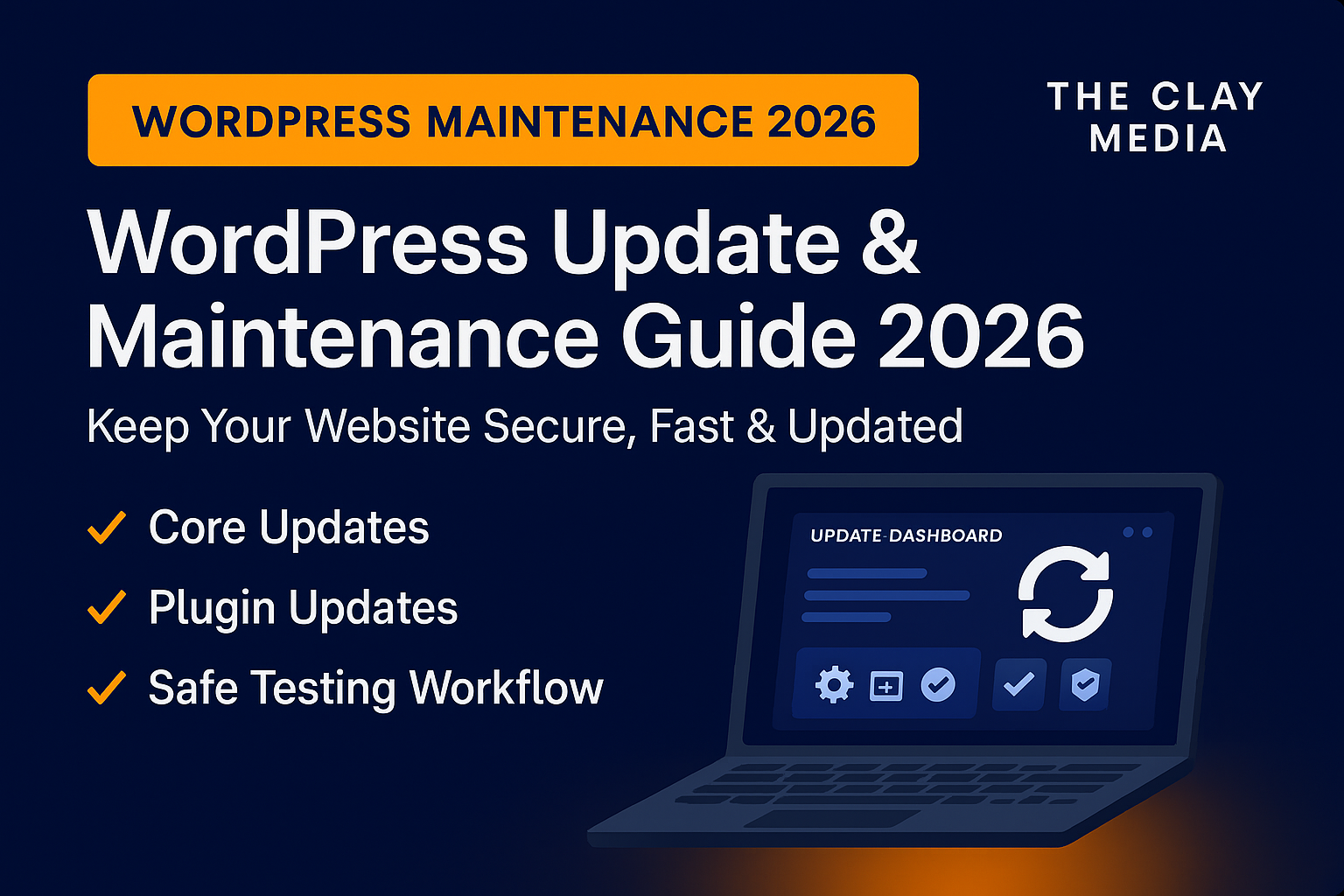
Most business owners don’t realize this: updates are not optional anymore.
In 2026, outdated WordPress sites are the #1 cause of:
- hacks
- broken layouts
- plugin conflicts
- slow speed
- SEO drops
- lost leads
If your site isn’t updated regularly, it’s bleeding money silently — even if everything “looks fine” on the outside.
This guide explains the 2026 update and maintenance standards we use at The Clay Media for businesses across Orange County.
And how they directly impact security, speed, SEO, and overall business stability.
1. Why WordPress Updates Matter More in 2026
WordPress powers 43% of the internet, which means attackers target it more aggressively.
Combine that with new 2026 standards for speed, privacy, and ADA — and your site must be updated far more frequently than before.
Updates now directly impact:
- Core Web Vitals
- ADA compliance (See: ADA Website Compliance 2026)
- SEO (See: Technical SEO Checklist 2026)
- Security (See: Website Security Hardening 2026)
Your updates are no longer “maintenance tasks.”
They’re business survival tasks.
2. What Needs Updating in 2026 (Core, Plugins, Themes)
Core Updates (WordPress Version)
These tighten security, add new features, and fix vulnerabilities.
Skipping core updates exposes your site to known exploits.
Plugin Updates
Plugins cause 70% of all WordPress hacks.
If you’re running outdated plugins, you’re giving attackers an open door.
Theme Updates
Outdated themes cause layout breakage, slow speed, and compatibility failures.
Server-Side Software
PHP, MySQL, MariaDB, Apache/Nginx — all must be updated.
Want the full technical picture?
See: Website Hosting Guide 2026
3. Why Updates Break Websites (2026 Reality)
Here’s the part most business owners don’t know:
Updates break things because your site has dependencies.
Conflicts happen between:
- plugin → plugin
- theme → plugin
- PHP version → plugin
- WordPress core → theme
This is why updates must be done in the proper sequence, not “Update All.”
This is exactly why you need a retainer partner, not a freelancer.
For recurring stability, see our
Website Retainer Service
4. Update Testing Workflow (How Professionals Do It in 2026)
At The Clay Media, we follow a 7-step safe update workflow that prevents breakage:
- Step 1 — Full Offsite Backup
- (See: Website Backup Best Practices 2026)
- Step 2 — Staging Environment Setup
All updates should happen in a staging environment, never on your live site. - Step 3 — Plugin-by-Plugin Update Testing
Test each plugin one at a time to avoid stack conflicts. - Step 4 — Theme Compatibility Check
Verify the theme works properly with updated plugins and the new WordPress core version. - Step 5 — Core Update Validation
Once plugins and themes pass testing, validate the WordPress core update. - tep 6 — PHP & Database Compatibility
- Ensure PHP versions, database tables, and autoload values are optimized
See: Database Optimization 2026) - Step 7 — Full Speed Re-Scan
Speed changes after every update: - Full Speed Optimization Guide 2026
- CDN Optimization 2026
- Mobile Optimization 2026
- Image Optimization (AVIF) 2026
Updates done incorrectly destroy speed.
Updates done correctly increase rankings.
5. Update Frequency (2026 Standards for Business Sites)
Here is the real schedule:
- Plugins: weekly
- Themes: monthly
- WordPress core: as released
- PHP: every 6–12 months
- Server stack: quarterly
- Database cleanup: monthly
- Security hardening: monthly
(See: Website Security Hardening 2026)
This is why retainers exist.
A normal business owner cannot realistically keep up with this.
6. Website Maintenance vs Updates (Business Owner Translation)
Updates = keep the site running
Maintenance = keep the site healthy
Maintenance includes:
- uptime monitoring
- database optimization
- security scanning
- AVIF image conversions
- CDN tuning
- hosting optimizations
(Links placed exactly where needed throughout the article.)
This is the new standard in 2026.
7. How Updates Affect SEO, Speed & Rankings
Updates directly influence:
- TTFB
- LCP
- CLS
- Indexing speed
- Crawlability
- Google penalty avoidance
If your plugins or theme are old, Google knows instantly.
For more detail, see:
Technical SEO Checklist 2026
8. 2026 Maintenance Pricing (Real Market Rates)
For Orange County small businesses:
One-Time Update & Fix
$250–$950 depending on complexity
Monthly Maintenance Plans
$150–$450/month
Includes updates, backups, speed checks, security scans, and support.
For full management transparency:
See: Website Management Cost 2026
9. When You MUST Redesign Instead of Update
If your website has:
- a theme older than 4 years
- outdated page builder
- major layout breakage
- plugin bloat
- non-responsive structure
- bad CLS or LCP
then updates won’t fix anything.
You need a redesign.
See: Website Redesign vs Update 2026
👉 Need safe WordPress updates and monthly maintenance?
Book your free audit: https://theclaymedia.com/contact/
📞 949-444-2001
📧 Team@theclaymedia.com
📍 Orange County, CA