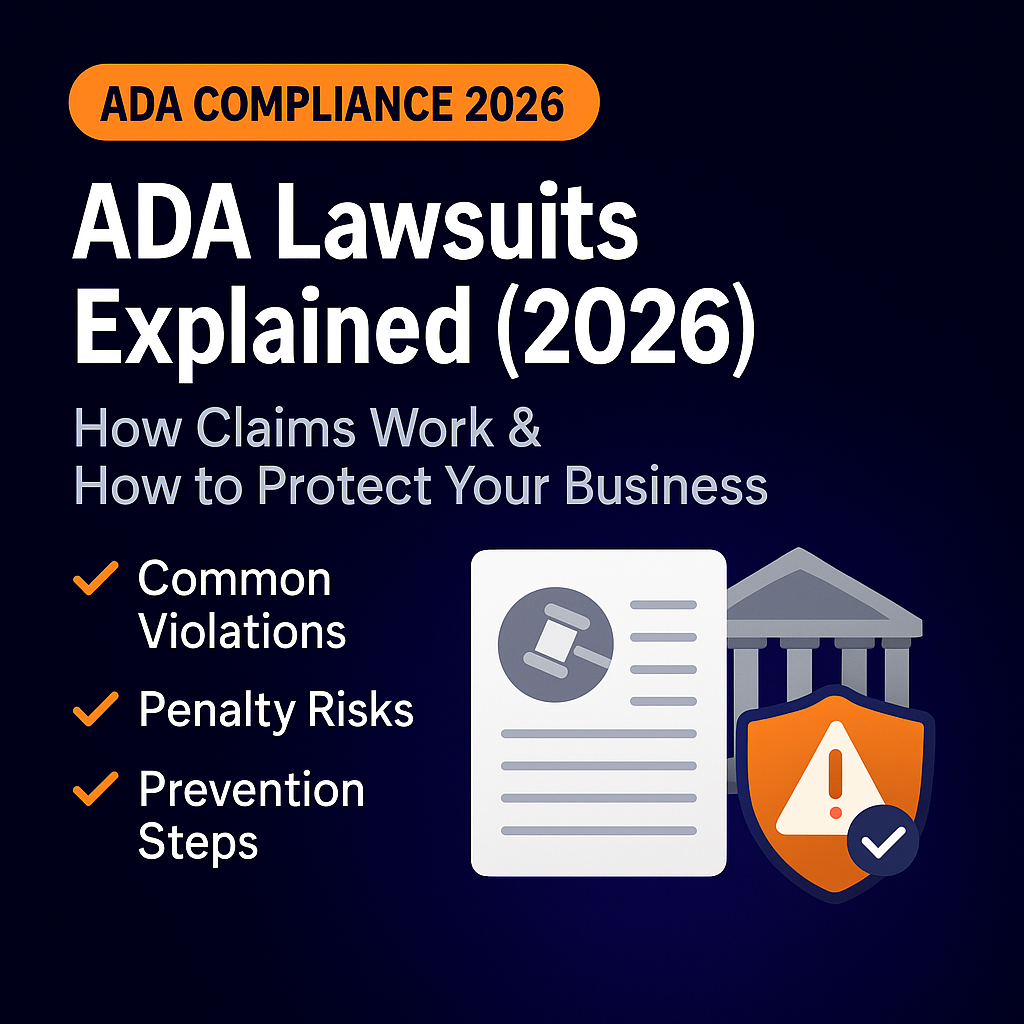
If you’re worried about ADA lawsuits in 2026, you’re not being paranoid. Law firms are actively scanning websites, sending demand letters, and filing lawsuits against businesses whose sites don’t meet modern accessibility standards like WCAG 2.2.
This guide explains how ADA website lawsuits work, what typically triggers them, what they really cost, and how to reduce your risk before you get targeted.
For the full foundation on accessibility rules, start with:
What Is an ADA Website Lawsuit in 2026?
An ADA website lawsuit claims that:
- Your website is not accessible to people with disabilities
- That inaccessibility violates the Americans with Disabilities Act (ADA)
- The plaintiff was denied equal access to your goods, services, or information
Most of these cases rely on WCAG guidelines as the technical standard. If you’re not aligned with WCAG 2.2, you’re automatically at higher risk.
For a breakdown of how ADA and WCAG relate, see:
Common Reasons Businesses Get Sued
In 2026, the same patterns keep showing up in ADA website cases:
- No keyboard navigation support
- Low color contrast that makes text unreadable
- Missing or incorrect alt text on images
- Forms that don’t announce errors to screen readers
- Menus or buttons that can’t be accessed by keyboard
- PDFs or downloads that are not accessible
- Video without captions or transcripts
If you want to see all the typical failure points, review:
Demand Letter vs Lawsuit: What’s the Difference?
Most businesses don’t get hit with a lawsuit first. They get a demand letter.
Demand Letter
- Comes from a law firm or advocacy group
- Claims your site is not ADA compliant
- Demands remediation plus payment (often $5,000–$20,000)
- Threatens a lawsuit if you don’t respond
Lawsuit
- Filed in federal or state court
- Includes a formal complaint outlining your accessibility failures
- Can seek damages, attorney’s fees, and a court-ordered remediation plan
- Is far more expensive and time-consuming than a demand letter
The best time to act is before either of these arrives.
What ADA Lawsuits Really Cost in 2026
Here’s the uncomfortable math:
- Demand letters: commonly $5,000–$20,000 just to settle
- Full lawsuits: often $20,000–$50,000+ in settlements and legal fees
- Severe or repeated violations: can climb into six figures when you add remediation
And that doesn’t include the cost of actually fixing your website.
For a deeper breakdown of the audit, remediation, and monitoring costs, see:
How WCAG 2.2 Connects to ADA Lawsuits
Technically, the ADA doesn’t name WCAG 2.2. But in practice:
- Plaintiffs use WCAG violations to prove inaccessibility
- Courts look to WCAG to decide what “accessible” means
- Settlement agreements often require meeting WCAG 2.1 or 2.2 AA
If your site fails basic WCAG checks, you have almost zero defense.
To see where you currently stand, follow the step-by-step testing process in:
How ADA Lawsuits Usually Unfold (Step by Step)
- Your site gets scanned
An automated tool or a law firm’s crawler flags accessibility problems. - A tester tries to use your site
Often using a screen reader or keyboard navigation to document issues. - Demand letter is sent
They outline the issues and demand payment plus remediation. - If ignored or mishandled → lawsuit
A formal complaint is filed in court. - Settlement negotiations
Most cases settle. You pay, fix the site, and sometimes agree to monitoring. - Remediation & ongoing compliance
You’ll need to fix the issues and implement ongoing accessibility processes.
Skipping the remediation step is what leads to repeat lawsuits.
Industries at Highest Risk in 2026
You’re in the crosshairs if you’re in:
- eCommerce / retail
- Restaurants and hospitality
- Healthcare, clinics, and hospitals
- Financial services and banks
- Education, training, or courses
- Professional services that rely on bookings or appointments
If your website drives revenue or bookings, it’s a legal target.
How to Reduce Your ADA Lawsuit Risk (Before It’s a Problem)
Here’s how to cut your risk dramatically:
- Run a WCAG 2.2 accessibility audit now
- Fix critical issues: keyboard traps, contrast, alt text, forms, navigation
- Adopt ADA-aware design standards for new pages
- Train your content team so they don’t reintroduce issues
- Monitor accessibility regularly
Use this as a remediation roadmap:
What to Do If You Already Got a Demand Letter
If a demand letter is already in your inbox, here’s the rational move:
- Don’t ignore it. Silence is what turns a demand letter into a lawsuit.
- Contact an attorney experienced in ADA accessibility cases.
- Get a real accessibility audit done immediately. You need evidence.
- Start remediation right away. Show good-faith effort to comply.
- Build an ongoing accessibility and monitoring plan so this doesn’t repeat.
If you don’t have an accessibility partner yet, start by understanding your real remediation scope through a detailed cost breakdown:
Is an ADA Lawsuit Inevitable?
No — but doing nothing makes it far more likely.
Businesses that:
- Align with WCAG 2.2
- Test their sites regularly
- Fix issues quickly
- Document their efforts
have a much stronger position if they’re ever challenged — and often avoid demand letters altogether.
Get a Free ADA Website Lawsuit Risk Review
If you’re unsure how exposed your website is right now, we can run a focused ADA risk review based on WCAG 2.2 and current lawsuit patterns.
Your free review includes:
✔ High-level accessibility scan
✔ List of issues most likely to trigger legal complaints
✔ Prioritized remediation recommendations
✔ Estimated ADA compliance cost range
✔ Roadmap for ongoing monitoring and protection
👉 Book your free ADA audit: https://theclaymedia.com/contact/
📞 949-444-2001
📧 Team@theclaymedia.com
📍 Orange County, CA